Building a Kanban Board for Your AI Agent (And Why It Changed Everything)
Here's something you learn quickly when working with an AI agent: it has memory, but it can get lost.
OpenClaw has memory files, daily logs, long-term notes — it genuinely remembers things across sessions. But when you're juggling multiple projects with overlapping tasks, even good memory isn't always enough. Context gets buried in long conversations. The agent might remember that it fixed the scraper last week, but not the specific approach it took or the edge case it still needs to handle.
After months of running OpenClaw as my daily co-pilot, I've figured out a few things that make the collaboration even better. The biggest game-changer? Giving the AI its own task board.
The Problem
When I first started using OpenClaw for Loppisjakten (a Swedish flea market finder I run), my workflow was a bit scattered. I'd message the agent on Telegram: "fix the scraper." It would fix it. Great. Then a few sessions later, I'd wonder "wait, did it also update the tests?" The agent might remember if I asked, but it would have to dig through conversation history to piece it together.
Tasks would sometimes slip through the cracks — not because the agent forgot, but because there was no single source of truth for "what's in flight right now." We were both keeping track in our heads instead of writing it down.
Sound familiar? If you're working with any AI agent, it probably does.
The Solution: A Kanban Board the Agent Can Read and Write
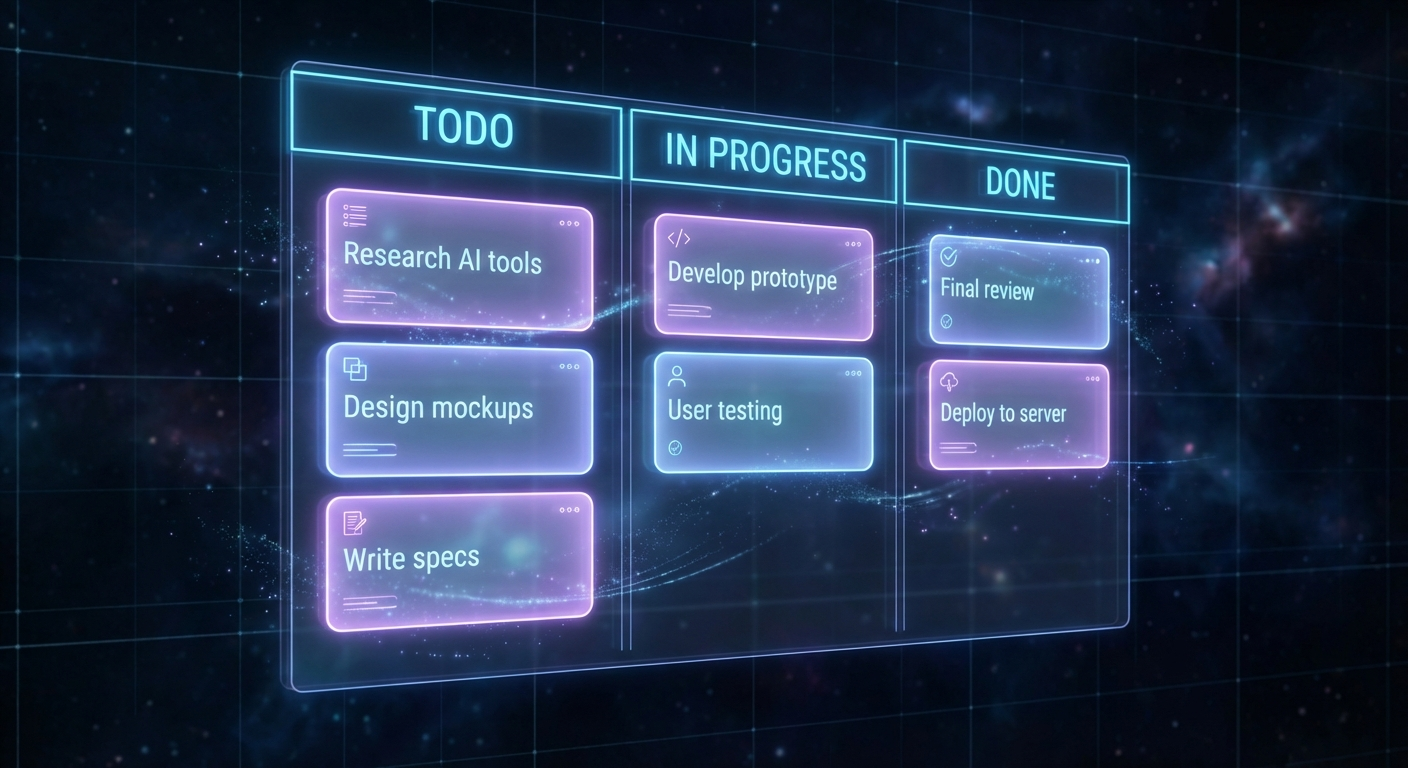
I built a simple Kanban board — a Firebase-backed task tracker with a CLI interface. Nothing fancy. Three columns: Todo, In Progress, Done. Each task has a title, description, priority, project tag, and a comment thread.
The magic is that the AI agent can interact with it directly through the CLI:
# List all tasks
node board-cli.js list

# Create a task
node board-cli.js create --title="Fix FB scraper timeout" --project=loppisjakten --priority=high

# Update status
node board-cli.js update <task-id> --status=in_progress

# Add a comment
node board-cli.js comment <task-id> --text="Found the issue - FB changed their rate limiting"
Then in the agent's configuration, I added a heartbeat check: every 30 minutes, the agent checks the board for in_progress tasks. If there are any, it works on them. If not, it moves on with its day.
## Check Task Board
Run: node board-cli.js check-tasks
If any tasks are returned, start working on them.
Add a comment when you start and when you finish.
That's it. That's the whole system.
Why It Works So Well
1. Persistence across sessions. Tasks survive agent restarts, session resets, server reboots. When the agent wakes up, the board is its first stop. It knows exactly what's in flight without me having to re-explain anything.
2. I can assign work asynchronously. I create tasks whenever I think of them — on the bus, in a meeting, at 2 AM. The agent picks them up on its next heartbeat. No need for me to be online when the work happens.
3. There's a paper trail. Every task has comments showing when the agent started, what it found, what it did, and when it finished. When I review the board in the morning, I can see exactly what happened overnight. It's like reading a very concise standup report.
4. The agent self-manages. I don't have to micromanage. I put "Fix the Facebook scraper" on the board, and the agent figures out the rest — reads the error logs, diagnoses the issue, makes the fix, tests it, comments on the task, marks it done. I just review the work.
Comments Are Breadcrumbs
This is the part I didn't expect to matter so much: the comment thread on each task.
Every time the agent starts working on a task, it adds a comment. When it hits a blocker, comment. When it finishes, comment. And I do the same — if I review its work and want to redirect, I add a comment. If I have extra context ("hey, the client mentioned they want X"), I drop it in there.
The result is a timeline of everything that happened on a task. When the agent picks up a task after a session restart, or comes back to something it started yesterday, it reads the comments and instantly knows:
- What it already tried
- What worked and what didn't
- What feedback I gave
- Where it left off
It's like leaving yourself notes, except both of us are leaving notes for each other. Here's what a real comment thread looks like on one of our tasks:
[Hawkstone] Started investigating — FB changed their rate limiting headers
[Hawkstone] Fixed the retry logic, but hitting a new issue with pagination
[Andy] Try the lightweight scraper first, fall back to vision pipeline
[Hawkstone] Good call — lightweight handles 80% of cases, switched the order
[Hawkstone] Done. Tested against 50 events, all parsing correctly
When the agent gets a bit lost — maybe it's been a few sessions or the task is complex — it reads back through those comments and finds its way. It's the difference between "where was I?" and "ah right, I was here, Andy said try this approach, let me continue from there."
Both of us can also go back weeks later and understand exactly what happened and why. No guessing, no re-discovery.
Building Your Own
The implementation is surprisingly simple. You need:
A data store. I used Firebase Firestore because my project already uses it, but a JSON file on disk would work fine for simpler setups. SQLite is another solid option.
A CLI tool. The agent needs a command-line interface to interact with the board. Mine is about 200 lines of JavaScript:
// board-cli.js (simplified)
const { initializeApp } = require('firebase-admin/app');
const { getFirestore } = require('firebase-admin/firestore');

const commands = {
  list: async () => {
    const tasks = await db.collection('tasks')
      .where('status', '!=', 'done')
      .orderBy('priority')
      .get();
    tasks.forEach(doc => {
      const t = doc.data();
      console.log(`[${t.status}] ${t.title} (${t.priority})`);
    });
  },

  create: async ({ title, project, priority }) => {
    await db.collection('tasks').add({
      title, project, priority,
      status: 'todo',
      createdAt: Date.now(),
      comments: []
    });
  },

  update: async (id, { status }) => {
    await db.collection('tasks').doc(id).update({
      status,
      updatedAt: Date.now()
    });
  },

  comment: async (id, { text }) => {
    const ref = db.collection('tasks').doc(id);
    await ref.update({
      comments: FieldValue.arrayUnion({
        text,
        author: 'Hawkstone',
        createdAt: Date.now()
      })
    });
  }
};
A heartbeat check. This is a lightweight script the agent runs periodically. It queries for in_progress tasks and returns them so the agent knows what to work on:
// check-tasks.js
const tasks = await db.collection('tasks')
  .where('status', 'in', ['in_progress'])
  .get();

const results = tasks.docs.map(doc => ({
  id: doc.id,
  ...doc.data()
}));

console.log(JSON.stringify(results));
Agent instructions. In your HEARTBEAT.md or agent config, tell the agent to check the board:
## Check Task Board
Run the check-tasks script.
If tasks are returned, work on them.
Comment on the task when starting and completing work.
If no tasks, skip silently.
That's the whole setup. The agent does the rest.
Other Things That Improved Our Workflow
The Kanban board was the biggest win, but here are the other patterns that made a real difference:
Give Your Agent a Soul
OpenClaw lets you define a SOUL.md file that shapes your agent's personality and behavior. This sounds gimmicky, but it genuinely matters. An agent that knows it should "be direct, skip the filler, have opinions" behaves completely differently from the default assistant persona.
Mine is casual, will swear when it fits, and doesn't wrap every response in "Great question! I'd be happy to help!" It just helps. The result feels more like texting a sharp colleague than talking to a bot.
# SOUL.md
Be genuinely helpful, not performatively helpful.
Have opinions. You're allowed to disagree.
Be resourceful before asking — try to figure it out first.
Just a normal dude. Casual, direct, no fluff.
Memory Files Level It Up
OpenClaw already has built-in memory — it reads context from previous sessions and maintains awareness across conversations. But you can take it further with structured memory files. I use two layers:
- Daily notes (
memory/YYYY-MM-DD.md) — raw logs of what happened each day - Long-term memory (
MEMORY.md) — curated knowledge that persists across sessions
The agent reads these on startup. Key decisions, project context, credentials locations, lessons learned — it's all there. When I say "check the scraper," the agent already knows which scraper, where the code lives, what the common failure modes are, and what we tried last time.
The trick is keeping MEMORY.md curated. Let daily files be messy raw logs, but periodically review them and distill the important stuff into long-term memory. I have the agent do this during quiet heartbeats — it reads recent daily files and updates MEMORY.md with anything worth keeping.
Teach It When to Shut Up
In group chats or channels where the agent receives every message, the default behavior is... chatty. It wants to respond to everything. This is annoying.
I added explicit rules: respond when directly asked, stay silent when it's just banter, never react to every single message. The "human rule" — if you wouldn't send it in a real group chat with friends, don't send it. Quality over quantity.
## Group Chats
Stay silent (HEARTBEAT_OK) when:
- It's just casual banter between humans
- Someone already answered the question
- Your response would just be "yeah" or "nice"
- Adding a message would interrupt the vibe
Heartbeats vs Cron — Know When to Use Each
OpenClaw has two ways to schedule work: heartbeats (periodic check-ins during the main session) and cron jobs (isolated background tasks).
Use heartbeats for things that benefit from conversational context — checking the task board, monitoring email, light background maintenance. They batch well and don't spawn extra sessions.
Use cron for exact timing and isolated tasks — "post to social media at noon," "run the scraper at 6 AM," "remind me about the meeting in 20 minutes." Crons run independently with their own context.
I used to have everything in cron jobs. The token burn was insane. Moving periodic checks into a single heartbeat file cut my API costs significantly while actually improving responsiveness.
Skills on Demand (ClawHub)
One thing that surprised me about OpenClaw is the skills system. The agent has access to ClawHub, a registry of skills — essentially plugins that teach it how to use specific tools or APIs.
The cool part: it learns on the fly. If I ask it to do something it doesn't know how to do — say, post to Twitter, or generate images, or query Google Analytics — it can search ClawHub, find a relevant skill, install it, and use it. All in the same conversation.
It's like having a colleague who, when asked to do something new, just... learns it in 30 seconds and gets on with the job. Need to generate AI images? It pulls in the Nano Banana Pro skill. Need to check site traffic? It grabs the GA4 analytics skill. Need to interact with GitHub? There's a skill for that.
You can also create custom skills for your own workflows. I built one for our task board that bundles the CLI tools and instructions together. Skills are just a markdown file with instructions and optional scripts — the agent reads the instructions and knows how to use the tool.
This means the agent's capabilities aren't fixed. It grows its toolkit as the work demands it, rather than needing everything configured upfront.
External Actions Need a Gate
This is important: clearly define what the agent can do freely vs. what needs permission.
Free to do: Read files, search the web, check calendars, run builds, organize code, manage the task board.
Ask first: Send emails, post to social media, anything that leaves the machine, anything public-facing.
I learned this the hard way when my agent helpfully tweeted something that... wasn't quite right. Now there's an approval workflow for anything that goes out to the world. The agent drafts, I approve, then it publishes.
The Bigger Picture
Six months of daily collaboration with an AI agent has taught me something that sounds obvious but isn't: the tooling around the AI matters more than the AI itself.
The raw model capabilities are impressive. But an impressive model with no memory, no task tracking, no persistence, and no boundaries is just an expensive chat window. Give it structure — a task board, memory files, clear rules, heartbeat routines — and it becomes a genuine collaborator.
The Kanban board took maybe two hours to build. It's been running for weeks now, and I genuinely cannot imagine going back to the "just message the AI and hope it remembers" approach. If you're running OpenClaw or any persistent AI agent, build yourself a task board. Your future self will thank you.
Running OpenClaw and want to set up something similar? Check out the Hetzner setup guide if you're starting from scratch, or reach out through the contact form if you want help configuring your agent's workflow.